

User Portal
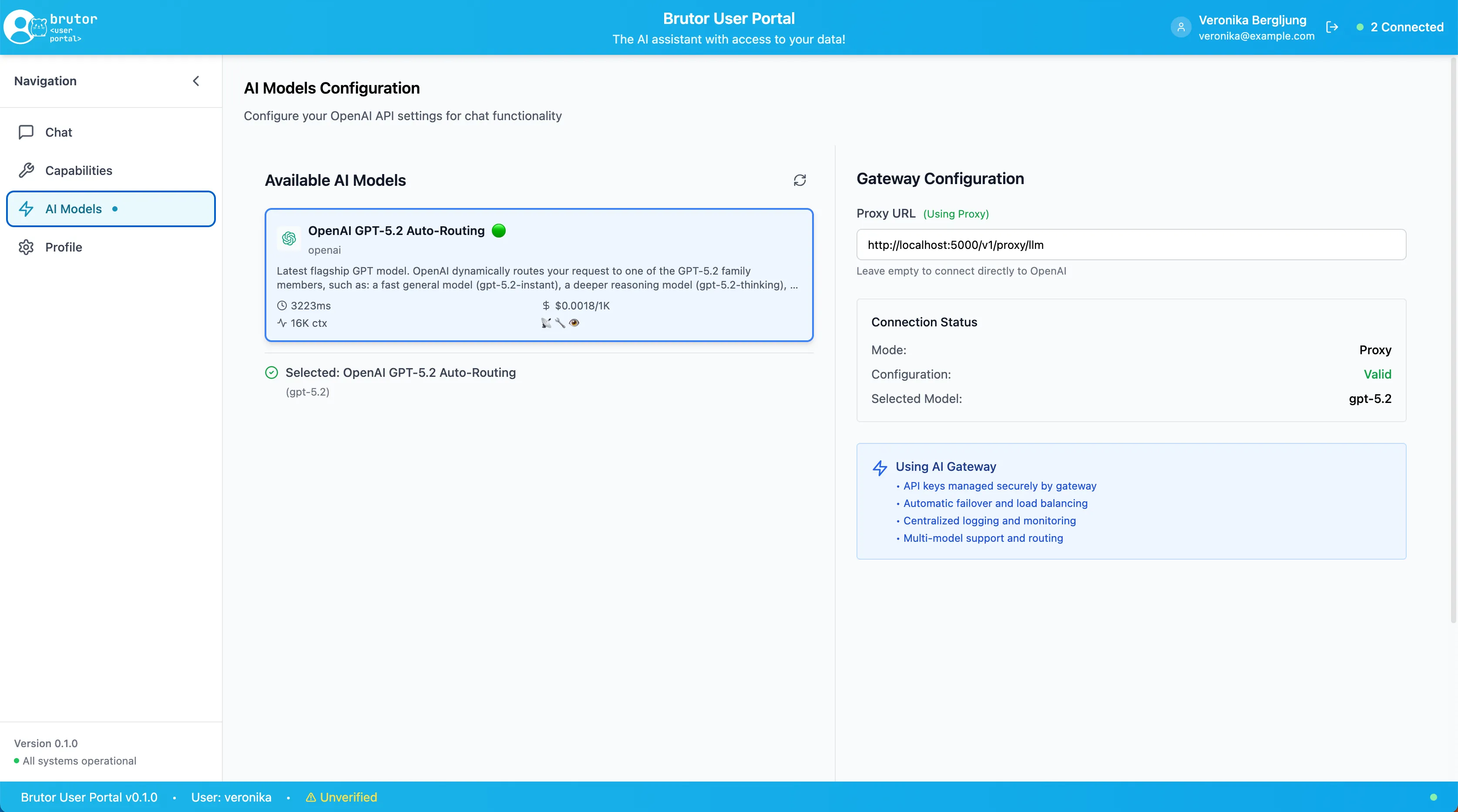
The User Portal is the end-user face of the platform: a full chat workspace your teams can use on day one, where every conversation, tool call and document is governed by the same gateway that governs your agents. It is how an organization gives people “a ChatGPT” — on the company’s models, under the company’s rules, in the company’s audit trail.
What end users get
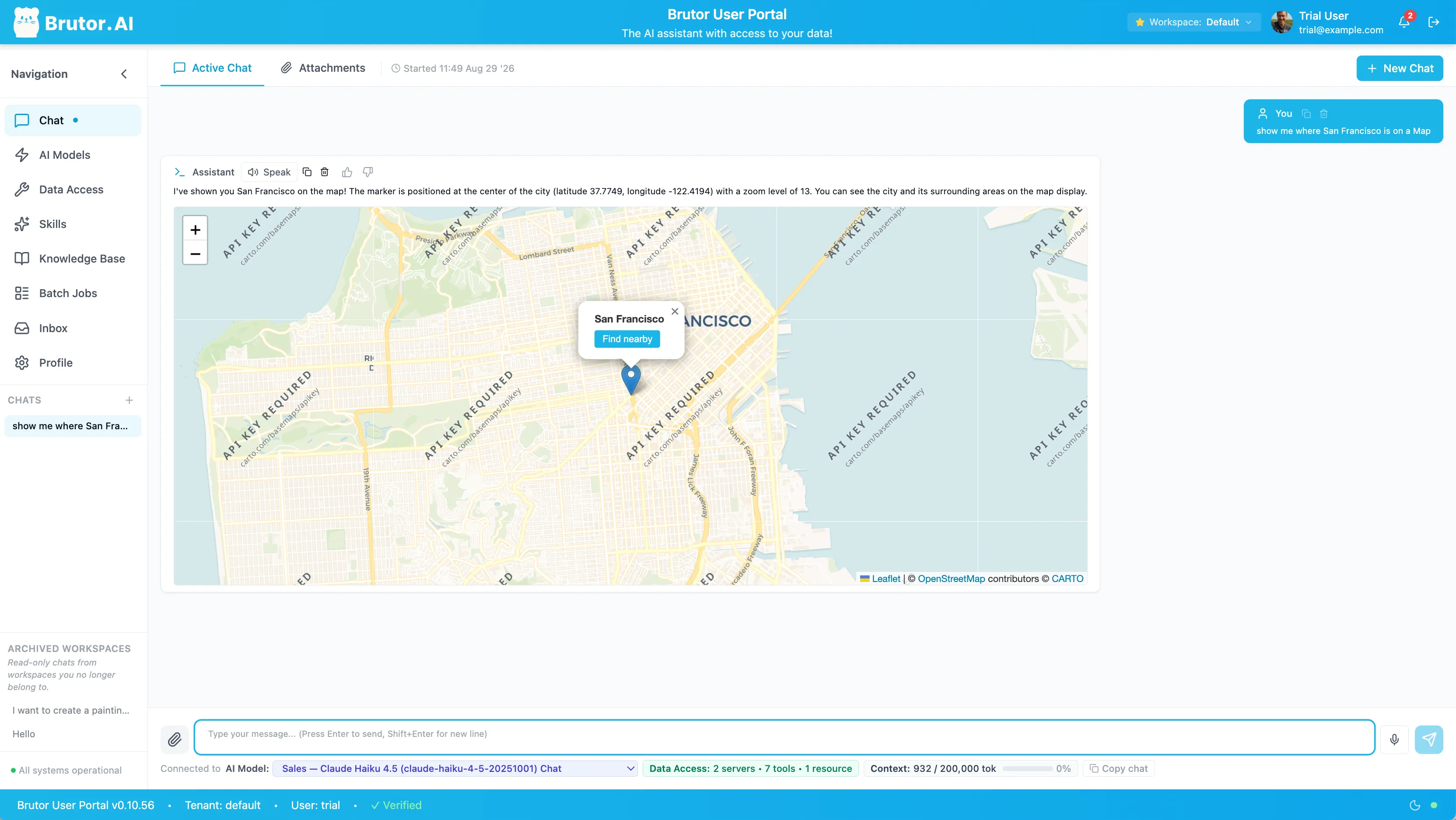
Section titled “What end users get”- Chat with governed models — users see exactly the models their resource groups allow, and nothing else. Streaming, attachments and multimodal input included.
- Workspaces — conversations organized per team or project, with shared context.
- MCP tools in chat — connect governed MCP servers (CRMs, ticketing, internal APIs) and let the model use their tools mid-conversation. OAuth flows to upstream services are brokered by the gateway.
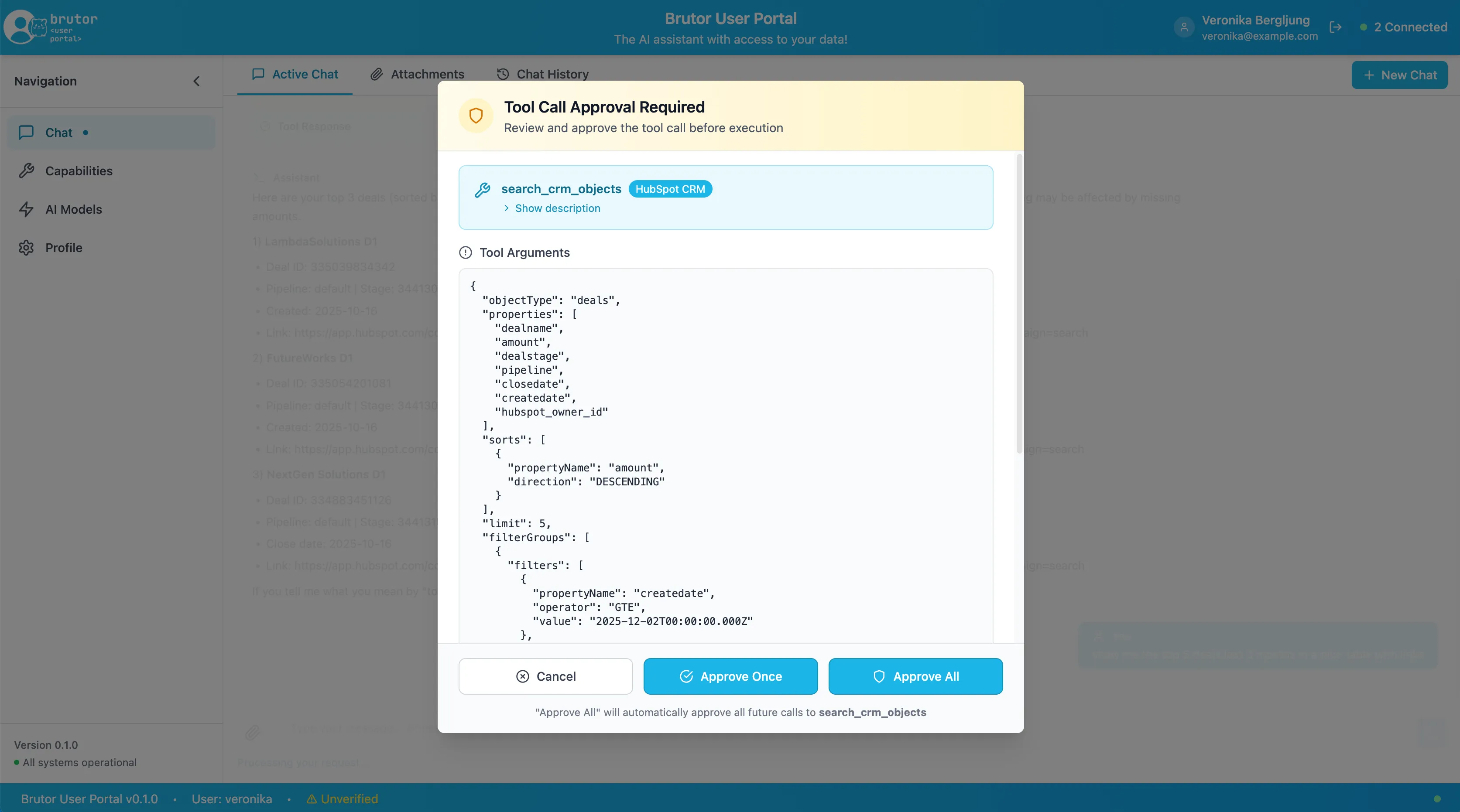
- Human-in-the-loop approvals — when a tool call requires approval, the portal asks the user before anything executes.
- Agent skills — governed skills load and run inside a conversation.
- Knowledge bases (RAG) — chat over uploaded documents and synced sources such as Confluence, Notion, Google Drive, Slack, GitHub, Jira and SharePoint.
- Batch processing — run a prompt across many inputs as a governed batch job.
What the organization gets
Section titled “What the organization gets”Every portal conversation is ordinary gateway traffic: guardrails check inputs and outputs, budgets and rate limits apply, every call is metered and attributed to the user and their groups, and every tool execution is in the audit trail. There is no separate “chat app policy” to maintain — the portal inherits whatever governance you already configured.
Next steps
Section titled “Next steps”Build a custom portalEverything the portal does — auth, workspaces, streaming chat, approvals — on your own UI.
Portal API referenceThe end-user runtime API served by the Core Proxy.
Knowledge bases & RAGUploading, syncing and chatting over organizational content.
QuickstartThe trial bundle ships the portal at :3001 — try it in ten minutes.