

Import, export and skill sources
Writing a skill through the admin API is one way in. Two others take skills you already have in the agentskills.io layout: upload ZIP files, or register a GitHub repository that Brutor keeps in sync. A skill also goes out again as a portable bundle.
Import ZIP archives
Section titled “Import ZIP archives”AI Estate → Resources → Skills → Configuration → Import, or the API:
curl -s -X POST http://localhost:5050/v1/admin/agent-skills/import \ -H "Authorization: Bearer $ADMIN_TOKEN" \ -F "files=@affordability-check.zip" -F "files=@triage-ticket.zip"{ "success": true, "message": "Imported 2 skill(s)", "total_files": 2, "success_count": 2, "error_count": 0, "results": [ {"success": true, "skill_name": "affordability-check", "skill_id": "skill-01M61Q...", "error": null, "resources_count": 1, "scripts_count": 1} ]}Each archive must be a .zip of at most 50 MB with a SKILL.md at its root, either
SKILL.md or <skill-name>/SKILL.md. The importer reads name, description and the
other frontmatter keys, stores the whole file (frontmatter included) as the SKILL.md, and
sorts the other files:
| File | Becomes | Defaults |
|---|---|---|
*.py, *.js, *.ts, *.sh, *.ps1 under scripts/ |
A script | execution_mode: sandbox; language from the extension |
| Any other text file | A resource | resource_type from the path (for example example for an examples file), else reference |
| A binary file | An asset | asset_type: data, encoding: base64 |
An imported skill starts in draft and is assigned to no resource group.
Validate and publish it and assign it
before an agent can use it.
Export a skill
Section titled “Export a skill”Export in the skill panel header, or:
curl -s -X POST http://localhost:5050/v1/admin/agent-skills/$SKILL_ID/export \ -H "Authorization: Bearer $ADMIN_TOKEN" -o affordability-check.zipThe response is application/zip. The bundle is laid out so any agent that honours the
Agent Skills spec can install it:
affordability-check/├── SKILL.md├── references/policy.md├── scripts/affordability.py└── assets/... (base64 assets decoded back to bytes)The exported SKILL.md carries Brutor provenance in its frontmatter:
---brutor-skill-id: skill-01M61N3A7RB6CWZ8CM8PCEP4SNbrutor-tenant-id: defaultbrutor-skill-version: 1.0.0brutor-exported-at: 2026-10-28T17:02:11Zbrutor-bundle-sha256: 5e0c...name: affordability-checkdescription: Deterministic affordability assessment for a consumer loan application. ...---brutor-bundle-sha256 is a SHA-256 over every file’s path, length and bytes, so two
exports of the same content hash the same. A skill synced from a repository also carries
brutor-source-repo-id, brutor-source-commit-sha and brutor-source-path.
This admin export needs only agent_skill:read and works for any skill. Handing a skill to
an end user’s local agent is a separate, per-skill opt-in:
local export.
Sync skills from a GitHub repository
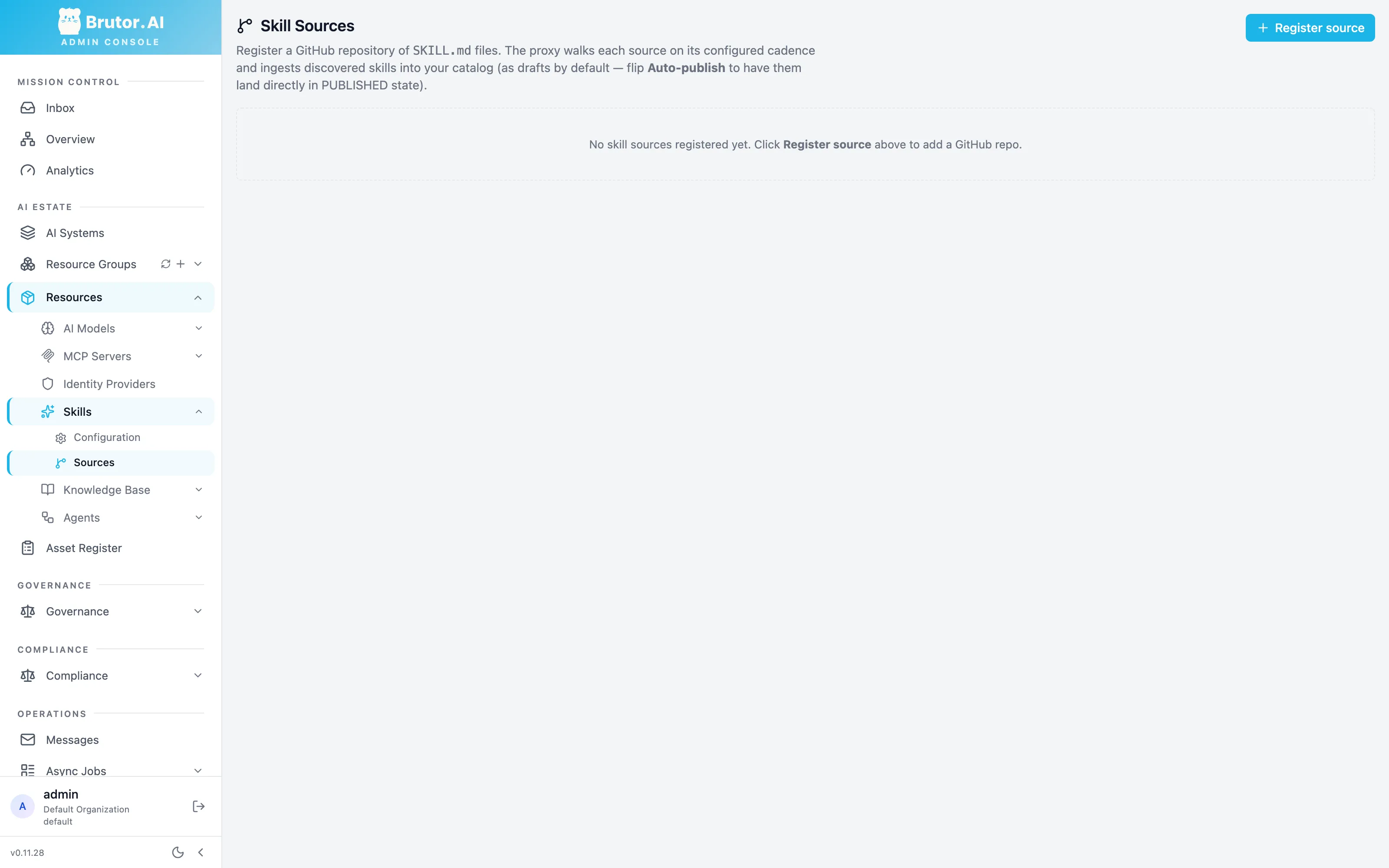
Section titled “Sync skills from a GitHub repository”A skill source is a GitHub repository the Control Plane walks on a schedule. Every
SKILL.md it finds becomes a skill, and later commits update it. In the Admin UI this is
AI Estate → Resources → Skills → Sources.
curl -s -X POST http://localhost:5050/v1/admin/skill-sources \ -H "Authorization: Bearer $ADMIN_TOKEN" -H "Content-Type: application/json" \ -d '{"name": "Credit team skills", "repo_url": "https://github.com/borealis-demo/credit-skills", "git_ref": "main", "subpath": "skills", "sync_interval_seconds": 3600, "auto_publish": false}'{ "id": "sks-01M61R...", "tenant_id": "default", "name": "Credit team skills", "repo_url": "https://github.com/borealis-demo/credit-skills", "git_ref": "main", "subpath": "skills", "enabled": true, "sync_interval_seconds": 3600, "auto_publish": false, "status": "idle", "last_synced_at": null, "last_commit_sha": null, "sync_error": null, "discovered_skill_count": 0}| Field | Rule | Example |
|---|---|---|
repo_url |
https://github.com/<owner>/<repo> only (GitLab, Bitbucket and self-hosted git are refused). Immutable after create |
https://github.com/borealis-demo/credit-skills |
git_ref |
Branch, tag or SHA. Immutable after create | main |
subpath |
Optional folder to walk instead of the whole repository | skills |
sync_interval_seconds |
300 to 86400, default 3600 | 3600 |
auto_publish |
true creates synced skills as published; false (default) as draft. Either way they are assigned to no resource group |
false |
enabled |
Pauses syncing when false |
true |
The scheduler runs in the Control Plane, once a minute, and syncs every source that is due.
Skills are matched to the repository by their path, so two folders may carry skills with
the same name. For private repositories and GitHub’s rate limits it uses the
BRUTOR_GITHUB_TOKEN (or GITHUB_TOKEN) environment variable of the Control Plane; the
per-source github_token_secret_ref field is stored but not read yet.
| Operation | Endpoint |
|---|---|
| List, get | GET /v1/admin/skill-sources, GET /v1/admin/skill-sources/{source_id} |
| Update name, subpath, enabled, interval, auto-publish | PATCH /v1/admin/skill-sources/{source_id} |
| Sync now | POST /v1/admin/skill-sources/{source_id}/refresh |
| Delete | DELETE /v1/admin/skill-sources/{source_id} (204). Its skills stay, as manual skills |